
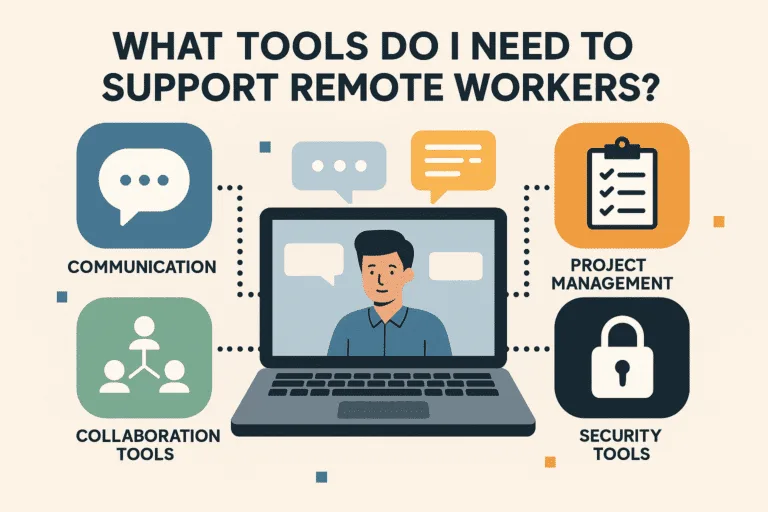
Support remote workers is no longer just a nice-to-have approach; it is an essential strategy for any Australian business aiming to thrive in today’s flexible work environment. Whether you have a team spread across Perth, Sydney, or halfway around the world in the Philippines, the right tools make all the difference. From smooth communication to efficient task management, having the right systems in place ensures your team stays productive, engaged, and connected.
At WorkMatePro, we see firsthand how businesses transform when they have the right setup to support remote workers. Let’s break down the essential tools that will help you build an efficient, motivated team, no matter where they are.
The first step to support remote workers is to establish clear and reliable communication channels. Without them, misunderstandings can quickly derail projects.
Essential options include:
When you support remote workers with strong communication tools, you ensure they feel connected to the team, can share ideas quickly, and get feedback without delays.
To support remote workers effectively, you need a central hub where tasks, deadlines, and responsibilities are clear. This eliminates confusion and keeps everyone accountable.
Popular tools:
A well-organised project management system allows you to monitor progress, allocate resources, and adjust priorities quickly.
Support remote workers by giving them access to the files and documents they need in real time. Cloud storage ensures that no one is left waiting for email attachments to arrive.
Top choices include:
Having a reliable file-sharing system ensures your team can collaborate from anywhere without losing version control.
To support remote workers and keep productivity high, you need accurate ways to track hours and assess workload. This is especially important if you are working across time zones.
Recommended tools:
By using these tools, you can maintain transparency, ensure fair work allocation, and identify areas where team members may need extra support.
When you support remote workers, protecting business data is critical. Remote teams often work on different networks, which can create security vulnerabilities.
Security essentials:
These safeguards protect sensitive information and maintain client trust.
Support remote workers who deal with clients by giving them easy access to customer information. A CRM keeps all contact history, notes, and interactions in one place.
Popular CRMs:
When everyone has access to the same client data, your business delivers consistent, high-quality service.
To support remote workers long term, invest in their professional growth. Online learning platforms help team members build new skills and stay engaged.
Examples include:
Continuous learning improves retention and builds loyalty among your team.
Support remote workers with more than just tools for tasks, give them spaces to brainstorm and innovate together.
Great tools:
These tools mimic the whiteboard experience of an office, helping remote teams solve problems together.
Support remote workers by making sure they are paid accurately and on time. Outsourcing payroll and HR functions can save time and ensure compliance with employment laws.
Options include:
When you take care of these essentials, your remote team can focus on their work without distractions.
Support remote workers by building a strong company culture that spans distance. These tools help celebrate wins, recognise contributions, and keep morale high.
Examples:
A connected culture is a productive culture.
Support remote workers is more than just a checklist of software, it is a commitment to empowering your team. At WorkMatePro, we provide Australian businesses with skilled Filipino professionals who are equipped with everything they need to excel from day one. We handle recruitment, payroll, and ongoing management, so you can focus on growing your business while knowing your team is supported.
Whether you need administrators, social media managers, customer service reps, engineers, or bookkeepers, our process ensures you get the right people with the right tools in place.
If you are ready to support remote workers in your business and see real results, now is the perfect time to make it happen. Every day you wait could mean missed opportunities, lost productivity, and extra pressure on your existing team.
WorkMatePro can connect you with skilled Filipino virtual assistants, customer support specialists, and other professionals who will help your business grow faster and operate more efficiently. We take care of recruitment, payroll, and ongoing management so you can focus on strategy, leadership, and growth while knowing your team is supported and well-equipped from day one.
Don’t just read about the tools, see them in action with your own high-performing remote team. Let us show you how we can set you up for success and keep your operations running smoothly.
Call us now on 0488 850 596
Email us at support@workmatepro.com

© 2026 WorkMatePro. Website by Bsharptech
Strategy by Bullseye